Stop losing your place. Start owning your next take.
Your words. Your moment.
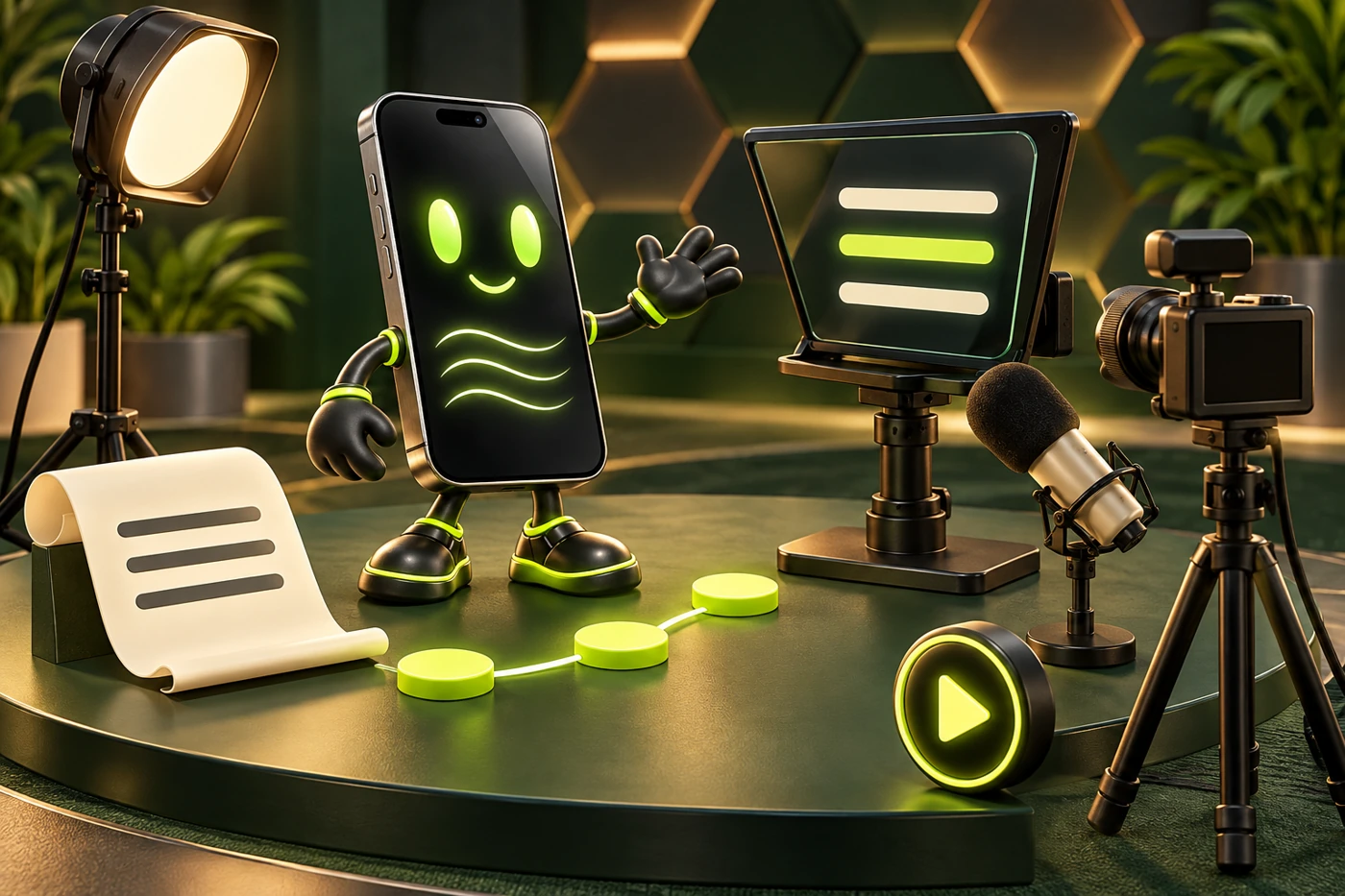
YOUR NEXT TAKE STARTS HERE
A great take starts with three small steps.
Simple from the first click.
THE WORKSPACE
Your next great take.
YOUR SCRIPT
Saved locally
0 words0 min read
READING SCREEN
READY WHEN YOU ARE
Find your flow
A few small tweaks. A much smoother read.
Space play / pause ↑↓ speed
A LITTLE PRACTICE. A SAFER LIBRARY.
Ready for your next take?
A backup is a private file. Clearing this browser also clears its saved scripts. Keep your backup on another drive or device.
Practice and record
Recording asks for your camera and mic. Your video stays on this device. Limit: 10 minutes or about 200 MB.
Follow your voice as you read. Choose on-device speech or allow your browser to process speech online.
Count the words you read. This timer includes pauses. It does not listen to or grade your voice.
Your next great take awaits.Press play. Take a breath. You’ve got this.
SEE YOUR NEXT TAKE COME TO LIFE
Big ideas. Small steps.
See how your words move from a first thought to the reading screen.
Your words, all in one place.
Paste your script or open a text file. Your words save on this device as you work.
You stay in control at every step.
↥
Your wordsPaste · text file · notes
✓
MY NEXT GREAT TAKE
THE FIRST DRAFTStart with one clear idea.
Make it sound like you.▌
YOUR READING SCREEN
Take a breath. Let the words come to you.
▶Your pace
PASTE OR UPLOADILLUSTRATED EXAMPLE
ONE CLEAR PATH
From notes to your next take.
01Add wordsPaste or upload
→
02Make it yoursEdit your script
→
03Press StartRead at your pace
Use the free prompter with your own script today.
CLEAR LIMITS. NO GUESSING.
A plan with room for your ideas.
Planned AI credits per calendar month. Models and script length change the credits used per request. Paid AI plans are coming soon.
THE INKY CREATOR LIBRARY
Better words. Stronger takes.
Small books. Clear steps. Build scripts you can say with confidence.
ER
Written byEric Ruis
Preview the books before the shop opens. Proposed one-time prices in USD. Payments are not active.
Opening the creator library…
Ebooks are separate from the app purchase and Inky AI credits. Prices are proposed; any taxes and final purchase terms will be shown before checkout opens. Public previews contain samples only.
YOUR WORDS. YOUR PACE. YOUR PLAN.
Start free. Grow when you’re ready.
Bring your own words. Buy the standalone app when it launches, or add our optional Inky AI service.
Prices in USD
Free is ready now. Paid plans are coming soon. Checkout is not open, and you will not be charged here. AI writing and connected imports need service setup. Native app-store releases and cloud sync are not included in this preview. Any applicable taxes will be shown before purchase.
How do AI credits work?
Each AI request uses credits. The model and size of your request set the cost. Check the credit cost, then confirm before writing. Rewrites, outlines, and retries also use credits. Each request allows up to 12,000 characters of notes and a script of up to 10 minutes. Once accepted, the quoted credits are used even if writing fails. Requests blocked before acceptance do not use credits.
What happens when I reach my limit?
AI writing pauses. You can still type, import local files, and read your scripts for free. Planned credits reset on the first day of each month at 00:00 UTC, including for yearly plans. Unused credits do not roll over. No automatic extra charges. Canceling Inky AI will not remove a separately purchased app license.
Do I need my own ChatGPT or Claude subscription?
No. The planned Inky AI allowance is an optional subscription, separate from buying the app. A personal ChatGPT or Claude subscription does not pay for this app’s AI service. AI writing is not active in this preview.
Can I buy or cancel a plan now?
Paid checkout is not open yet. No subscription is being started here. We will show billing, cancellation terms, and your allowance before paid plans launch.
InkyPrompterYour script
READY00:00 elapsed ·00:00 left
Tap the words to play or pause. Swipe to find your place.
MAKE IT COMFY
Your reading setup.
3Take a breath. You’re ready.
Hey, I’m Inky.YOUR BUILT-IN PHONE GUIDE
1 / 3
App tips and walkthroughs. Your scripts stay private.
 YOUR NEXT TAKE STARTS HERE
 PASTE OR UPLOADILLUSTRATED EXAMPLE